

Toolbox
AI handles the work that’s been done before, and does it fast. That frees people for judgment, taste, and the problems nobody has solved yet. The goal isn’t fewer people. It’s giving the team leverage.
Process &
Scope
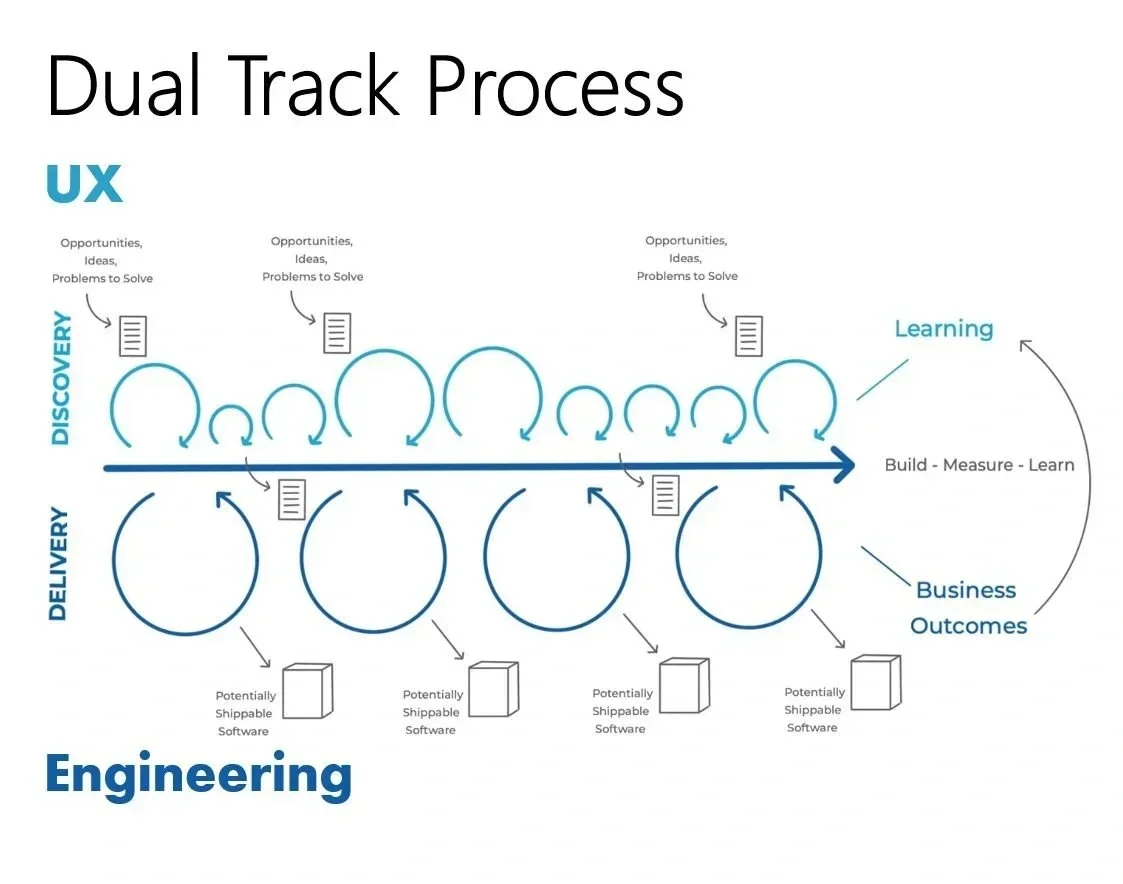
I live in a Dual Track Agile world where UX drives Discovery and Engineering drives Delivery. I describe effort in confectionery terms: cupcake, birthday cake, wedding cake. Each gets bigger and more complex, but at their core they’re all cake and icing. Users should get a great experience at any size, and unlike “MVP,” a cupcake can stand alone.
AI has changed the math on the cake. What used to be a wedding cake of effort is often a birthday cake now, and cupcakes can go from idea to working prototype in a day.
Effort Sizing
Same ingredients.
Different size.
A cupcake, birthday cake, or wedding cake all deliver value. The right size depends on the problem, but the goal is the same — a great experience for the people using it.

Cupcake
Small effort

Birthday cake
More complexity

Wedding cake
Greater scope
Gathering Feedback
No matter the project or the customer, we always do user testing, market & best-practice research, accessibility validation, but feedback looks different in a large product organization than it does in an owner-led business. Regardless, we need to weed through that feedback and decide what it means and what to change.
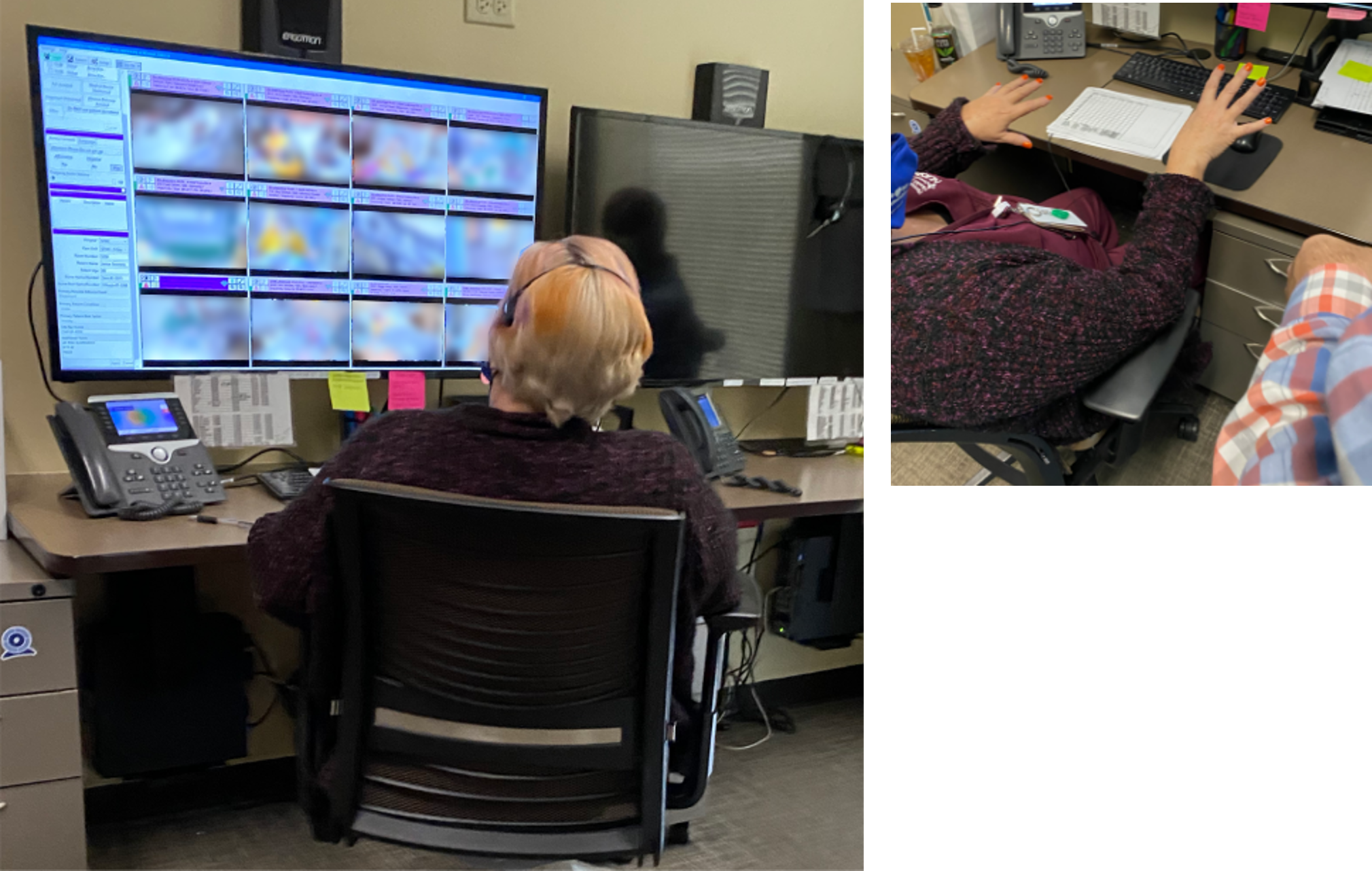
Gathering Feedback
Different environments. Different approaches.
Small Business & Startups: Owner-Led
With a single owner, there’s no committee to align. Every interaction has to count, so the work between conversations matters.
- Pre-Call Research: Map the owner’s business, market, competitors, and public-facing customer experience before the first conversation. The first call starts at step three, not step one.
- Discovery Conversation: One recorded session where the owner walks me through what they want to build or fix. Capture the details, find the gaps, map the workflow, and draft requirements.
- Workflow Walkthrough: Have the owner “show me their process.” Break the workflow into three parts: 1) perfect, don’t mess with it; 2) broken, please fix it; and 3) everything else you can morph around and play with.
- Working Prototype Review: Give them something to 'hate' on. People can't always tell you what they want, but they can tell you what they don't like. Working prototypes get you concrete feedback because the thing is real.
- Async Check-ins: Owners are busy. Voice memos, texts, and quick emails all count as feedback.
Large Organizations: Enterprise
At scale, the challenge flips. Feedback isn’t scarce, it’s overwhelming. The work is capturing and synthesizing input so people spend meetings deciding instead of note-taking.
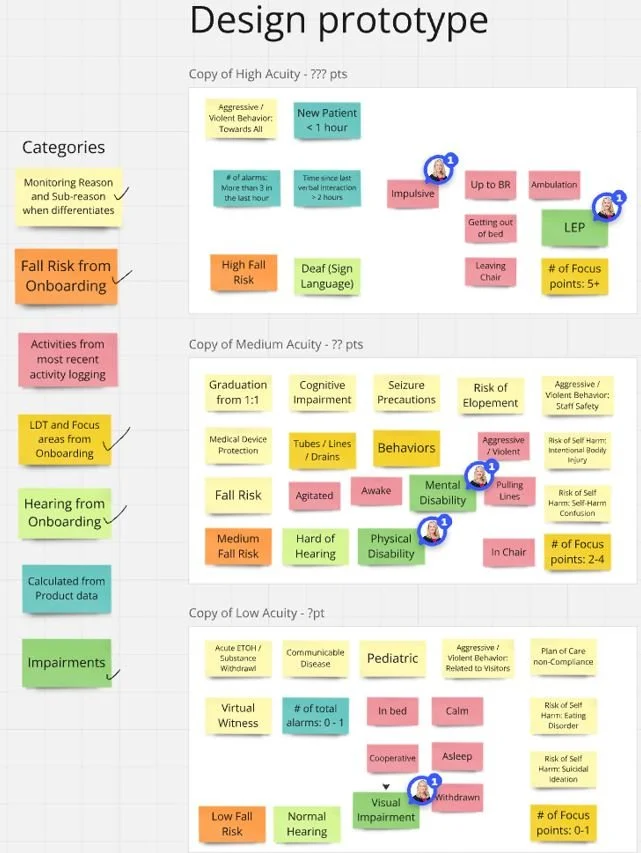
- Design Sprints: Guided exercises I’ve used repeatedly to align stakeholders and jump-start projects. In person or remotely through Miro, they bring distributed teams together without the time and expense of travel.
- Product Council: Monthly executive roadmap sign-off. Prepare the briefing and flag decisions that need an answer.
- UX Open House: Recurring design shares open to anyone. Sharing work early in the brainstorming phase captures input, much like working prototype reviews for small businesses. It also gathers internal feedback and eliminates the “no one asked me” argument.
- UX/Dev Stand: Once a sprint, engineering reviews feasibility, often using working prototypes rather than static mocks.
- Beta & User Testing: Gather direct feedback from users.
- Account Management & Sales Check-ins: These teammates hear directly from customers. A recurring meeting helps capture pain points and sales blockers that might otherwise get lost.
- User Feedback Portal: Cluster and tag incoming feedback, then map it to initiatives and features.
The tools behind the work
Everyday Tools


